Google Play Store PC
Gives you access to any type of Apk Android App on your Windows PC.

Safe & Secure
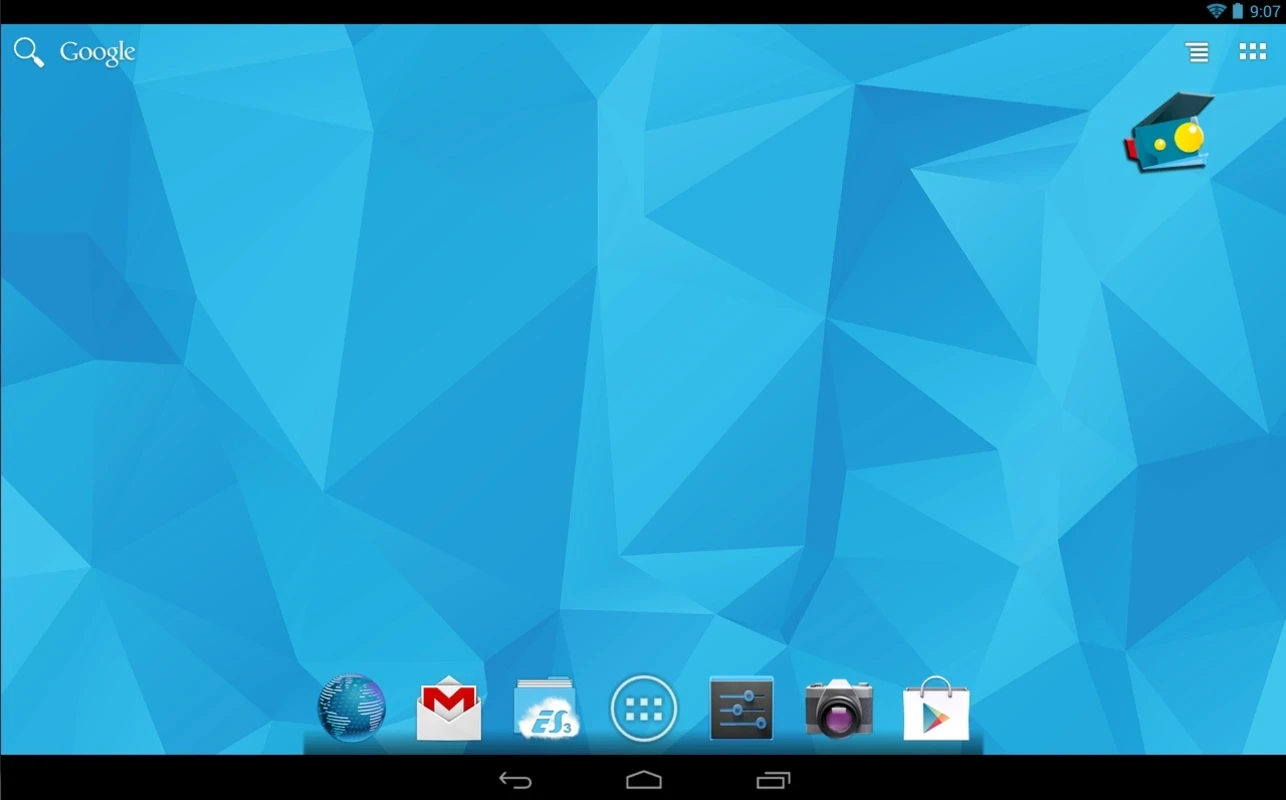
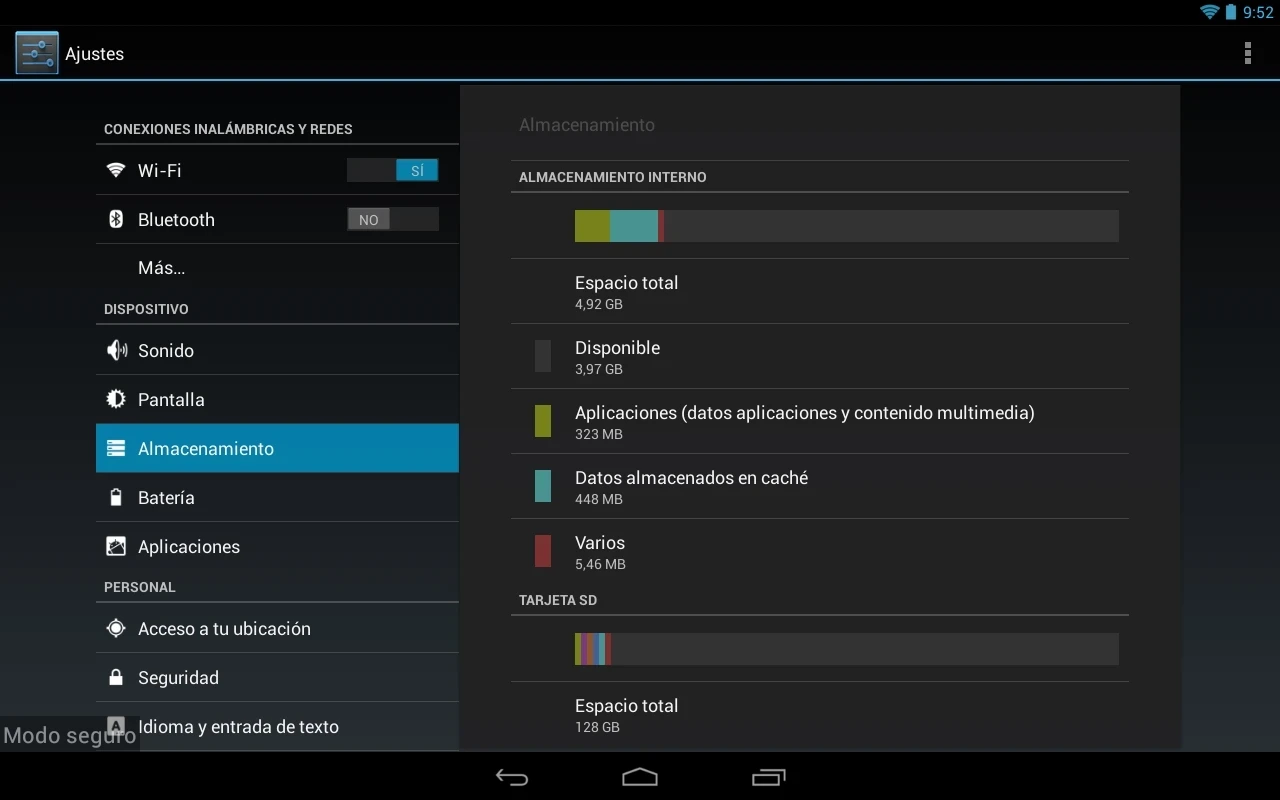
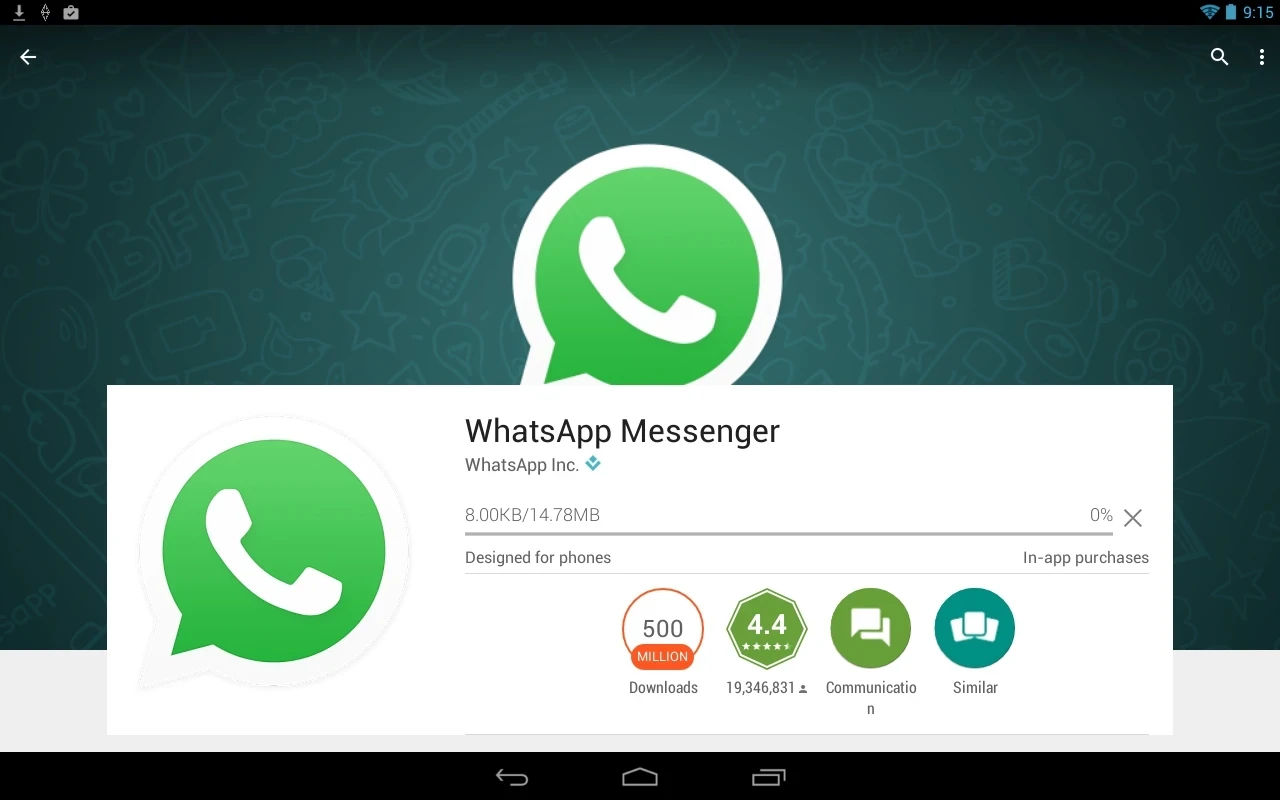
Andy is one of the most popular Android emulators that enables users to use millions of Android applications right on their Windows PCs, without requiring any virtual machine setup or complex configurations. It reliably converts your finger touches to a mouse cursor, making your scrolling easier and smoother.
The innovative Android emulator reliably bridges the gap between mobile and desktop environments, enabling users to stay in touch with new mobile upgrades. It helps you manage your handset more reliably, specifically getting rid of the storage issues, allowing you to transfer all heavy data to PC, and enjoy it on the big screen.
Andy, developed by Andyroid.net, falls under the Desktop category and is freeware software. It offers an immersive experience, allowing you to launch your favorite Android apps in full screen. It supports Android OS 4.2.2 to run your phone as a remote control, keeping the apps in a resizable window.
It offers a flexible solution for utilizing Android applications, whether they are productivity, entertainment, or even business-related, on the big screen. It offers free services to use all basic features, and for advanced functionality, you need to purchase the Pro version.
The app is capable of emulating an extensive number of Android devices, including smartphones and tablets. It is possible for users to select their desired Android versions and start effortless emulation. Moreover, the seamless synchronization option enables users to reliably sync their apps, data, multimedia files, and other important content between phone and desktop computer.
The user-friendly and intuitive interface easily allows users to create a virtual Android environment right on Windows PCs, converting the screen into an Android interface. The main screen is a complete resemblance of an Android device, offering straightforward navigation across icons and buttons. It makes it possible to switch between apps, allowing users to perform different tasks similar to an Android device.
The support for extensive keyboard mapping and controller enables users to easily map keyboard shortcuts, performing actions on the emulated device. Likewise, you can use your Android device as a remote controller for managing multiple tasks reliably. It enhances your virtual activities, giving a sense of using a real Android device.
The app offers seamless integration with multiple functions, making the emulation process smooth and fast. If you want to run productivity apps, you will find support for Android Bean 4.2.2 version, and also the integration with a webcam and microphone helps to test different apps, such as camera and other media recording apps. The dedicated capability offers simulation of the PC's webcam and microphone of PC similar to a real phone.
It is one of the significant features to enable the users reliably create backup, and sync their data, including apps, photos, videos, and even other crucial documents to the cloud. It ensures the safety of your data, avoiding any type of losing of data. In addition, the drag-and-drop option is available to share files between devices. You will also find efficient and completely responsive customer support.
The app, with simple downloading and a preconfigured installation of the Android operating system offers a complete simple to use set up, avoiding a long, complex, or messy setup process. However, it offers various advanced features for power users, such as root access to the file system, running of third-party apps, and so on. In addition, the support for flexible configuration and scalable resource allocation with a virtual machine player allows users to set the RAM and processing speed to their preferences.
You will capable of directly access to Google Play Store to add your desired applications to your system. It is the best solution to use messaging apps, including WhatsApp, Line, or Viber, right from your desktop PC and reliably type messages using your keyboard. You can easily access the local file system, multi-touch gestures, and application data syncing, with support for notifications, widgets, and file browsing options.
The support for customized ADW launcher helps to automatically placing of your newly installed app to the dedicated folder, avoiding the bothering of manually placing of the app. It also offers a resizing option, enabling you to adjust the resolution according to your preference, using the icon available in your Windows status bar. Moreover, you can switch between portrait and landscape while hovering the mouse over the bottom of the screen, and easily access several handy tools.
Pros
Cons

Gives you access to any type of Apk Android App on your Windows PC.

PC App Store download, install, and keeps up-to-date your PC programs
free emulator to play Android apps on your pc with extra performance, reliability

Bijoy Bayanno the most powerful software to write Bengali language on PC
Media Creation Tool is upgrading and installing Windows 10 bootable installed disks.
Rufus easily change your USB Flash to a bootable ISO flash drives.